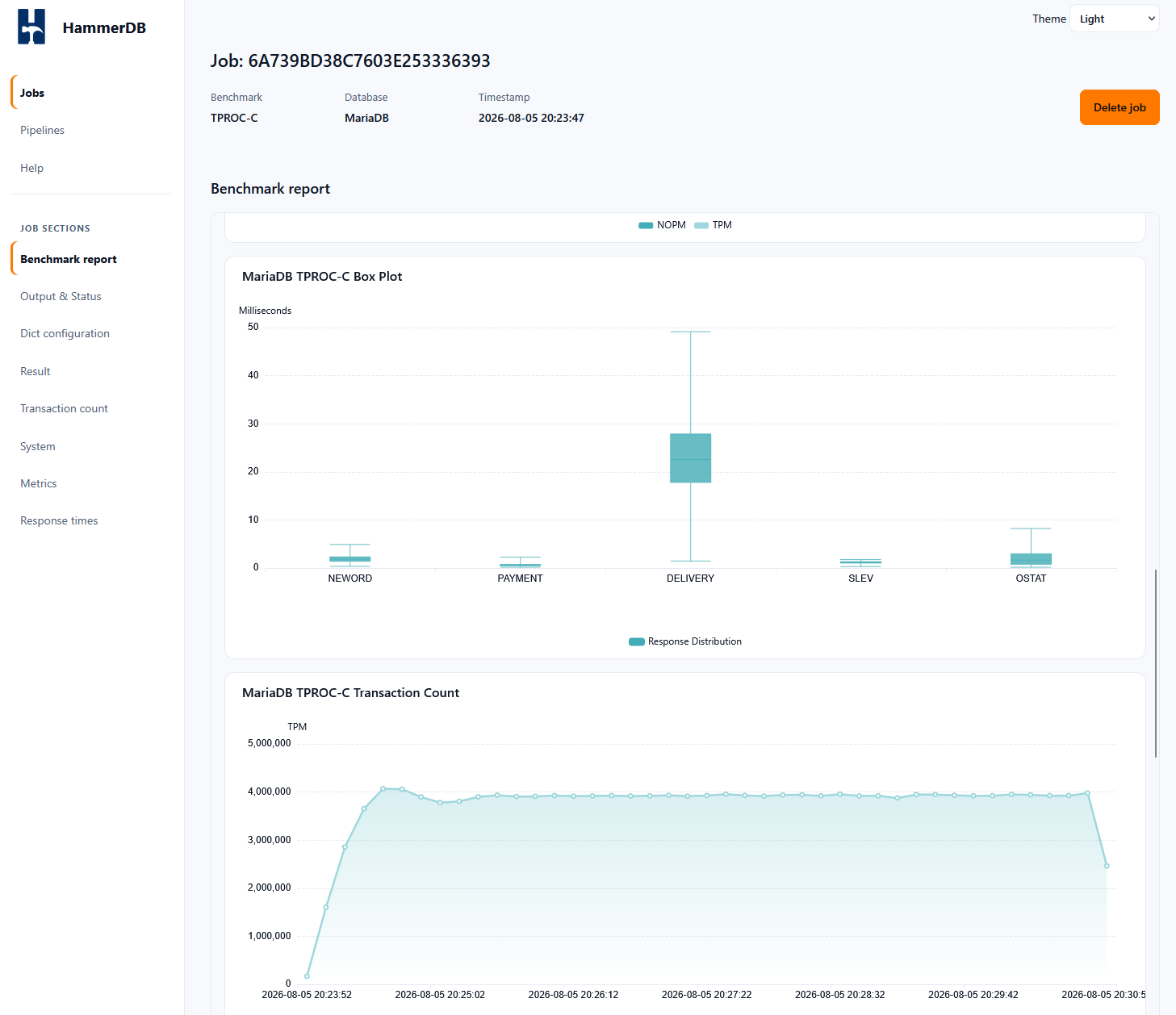
HammerDB v6.0 adds a generated benchmark report page for completed benchmark jobs. The report is intended to present the job as benchmark evidence rather than as raw job output. It includes the HammerDB version, database, database release, benchmark type, headline result, configuration, response time data, system information, charts, metrics and the HammerDB/TPC disclaimer text where applicable.
http://localhost:8080/jobs?jobid=JOBID&summary
The report page contains links at the end of the report for saving and sharing the result. Save HammerDB result artifact downloads a JSON result artifact for the job. Share HammerDB result artifact opens the configured result submission workflow. Save to PDF opens the browser print dialog so the report can be saved as a PDF. The downloadable result artifact is available directly from the summaryjson endpoint. This returns the structured job report JSON and can also be used by external tools.
http://localhost:8080/jobs?jobid=JOBID&summaryjson
For example, to save the result artifact from the command line:
url -o hammerdb-result-JOBID.json \
  "http://localhost:8080/jobs?jobid=JOBID&summaryjson"