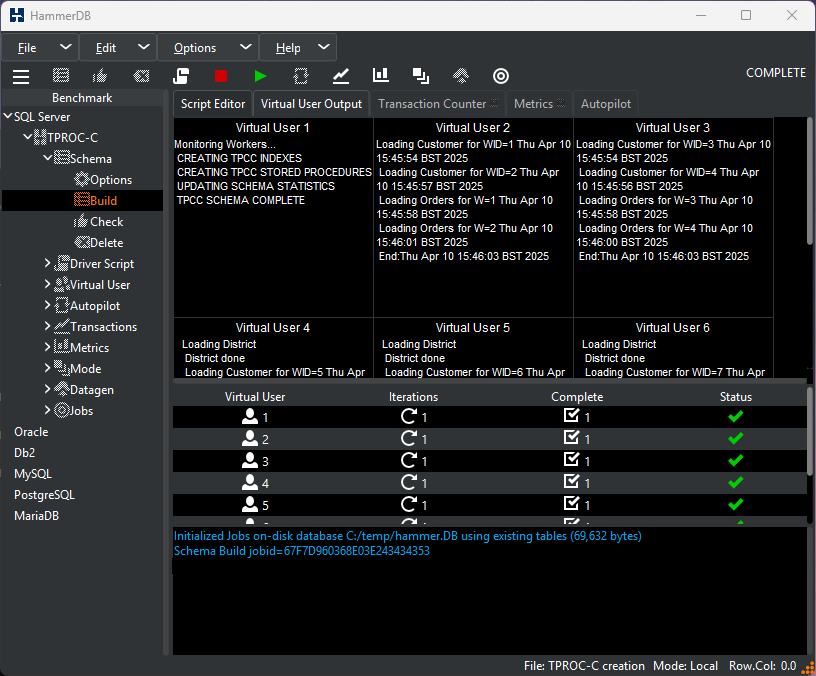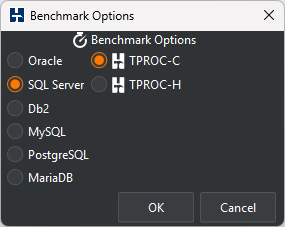
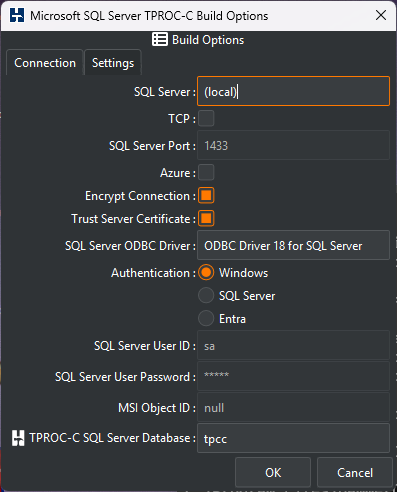
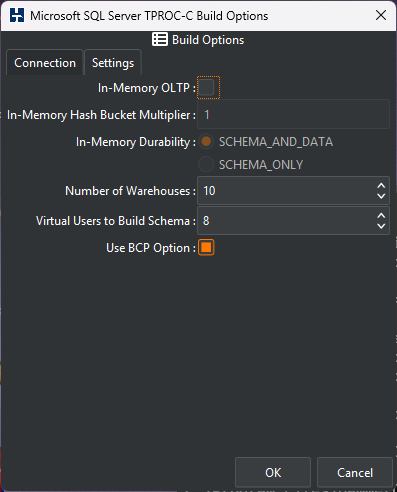
Click on the Benchmark tree view. Under TPROC-C, select TPROC-C Schema Build Options to display the TPROC-C Schema Options window. Within this window, enter the connection details for your database software. These options vary depending on the database chosen. Select a number of warehouses. 10 is a good value for a first test, and set the virtual users for schema build to the number of CPU cores on your system. Click OK.
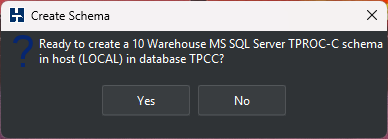
Double-click Build in the tree view. You will receive a prompt confirming the settings chosen to build the schema. Click Yes.
Observe that HammerDB begins to build the schema with multiple users.
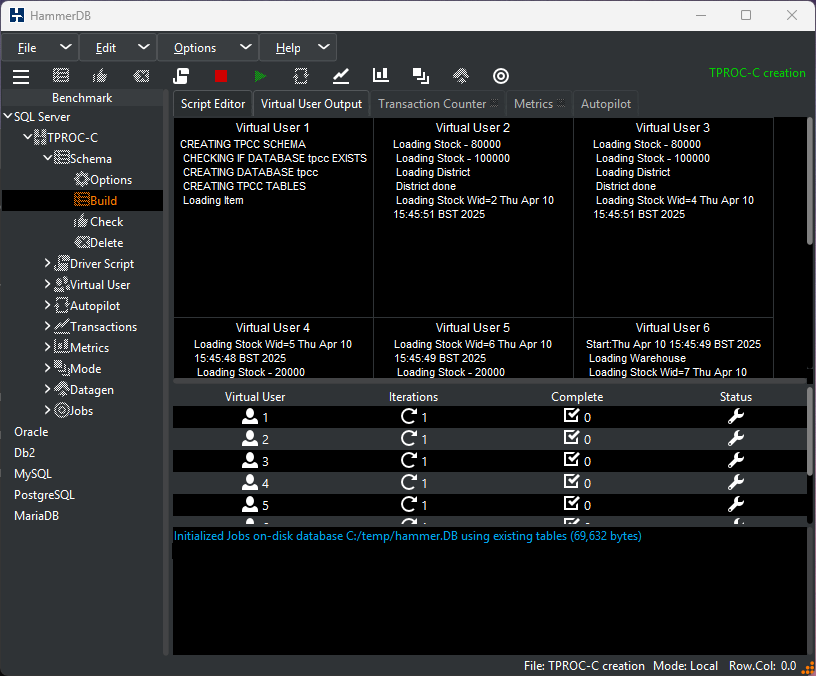
Wait until the schema build completes and then click on the red button, tagged with Destroy Virtual Users.